M0 - Second Brain Setup (Obsidian + Digital Garden)
how to setup your second brain and website
create an account on https://github.com
create an account on https://vercel.com
after creating account on github and vercel , go to this url
https://obsidian.md and download obsidian and install it on your pc
Obsidian / Digitial Garden Setup
Step 1
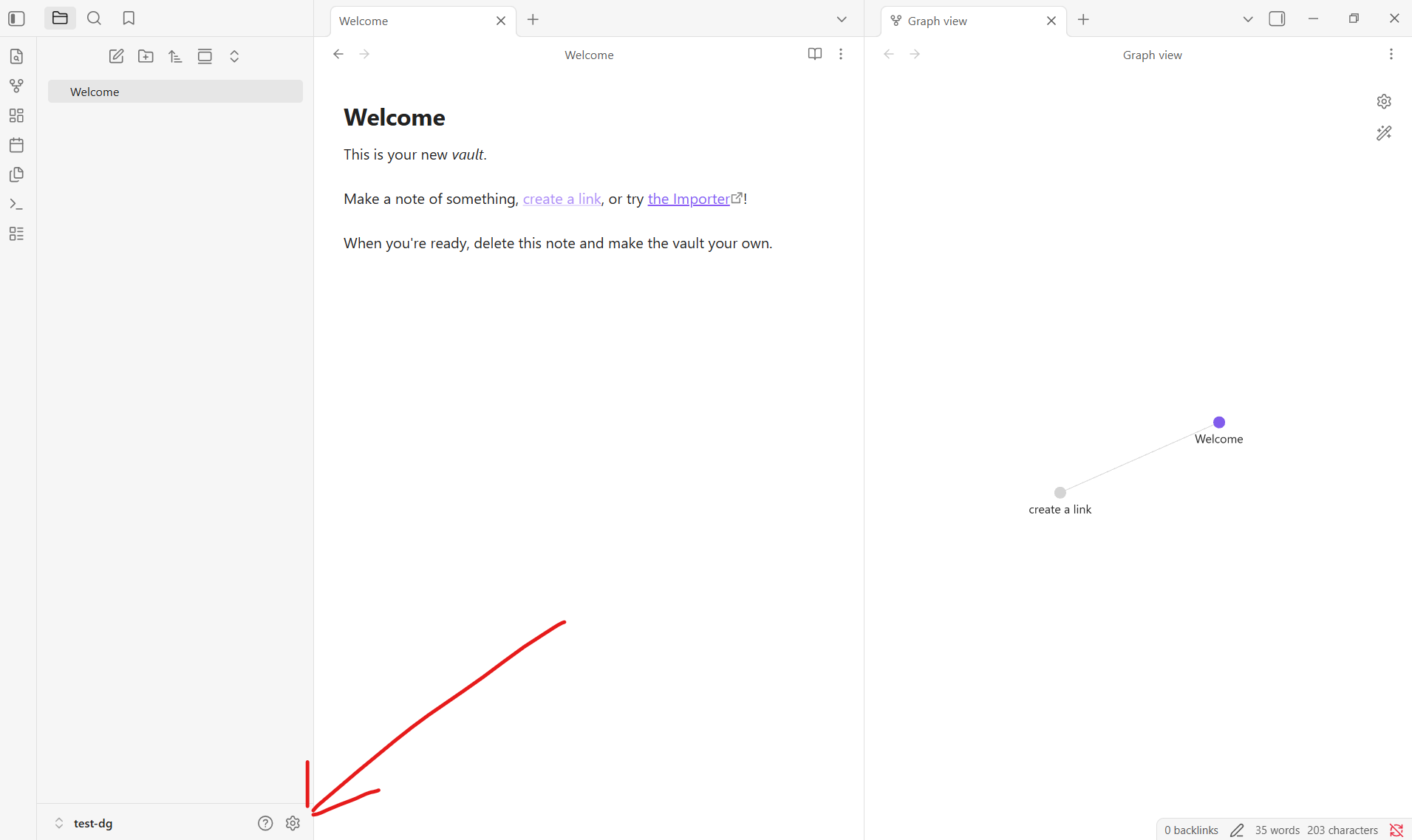
Step 2
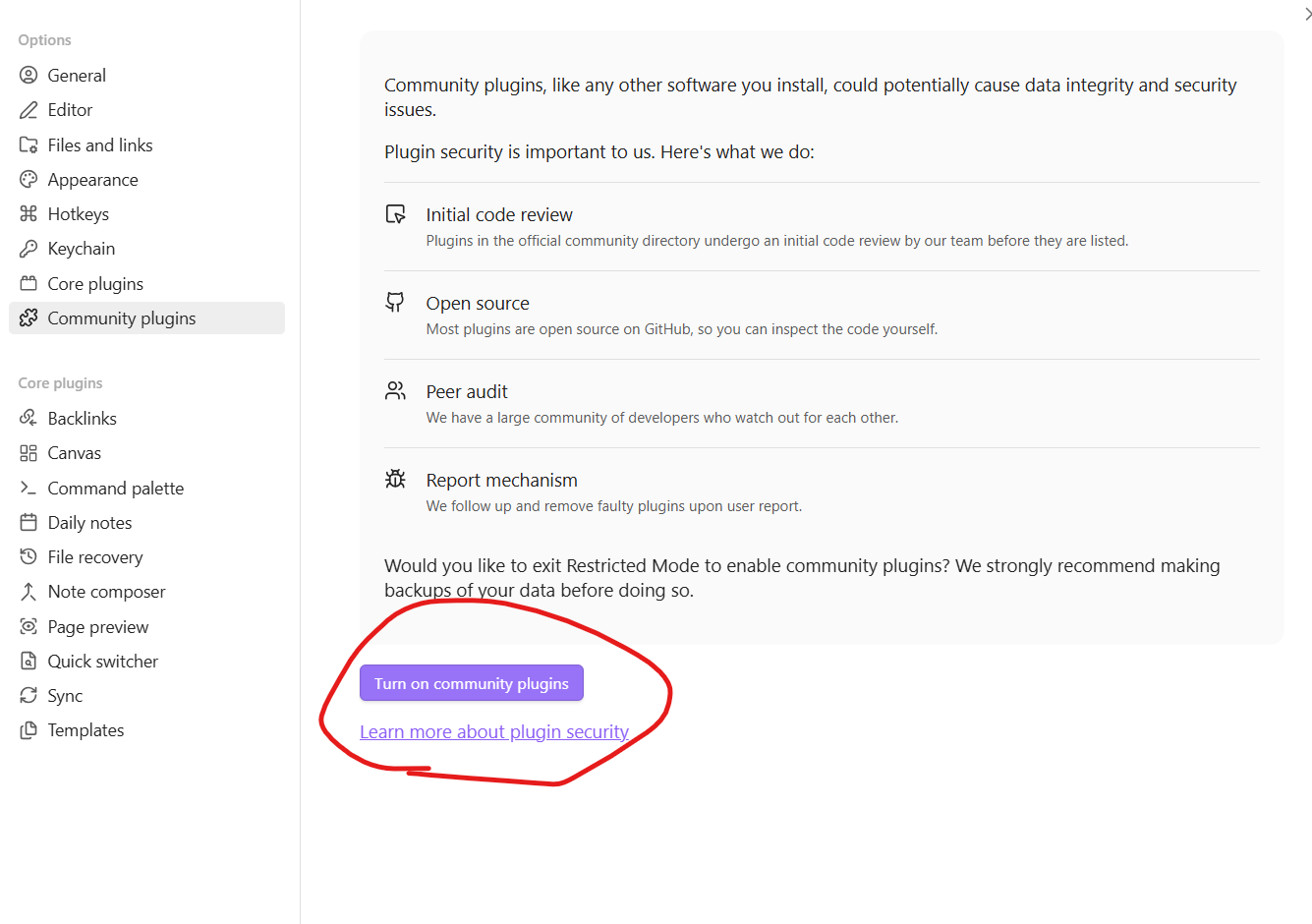
Step 3
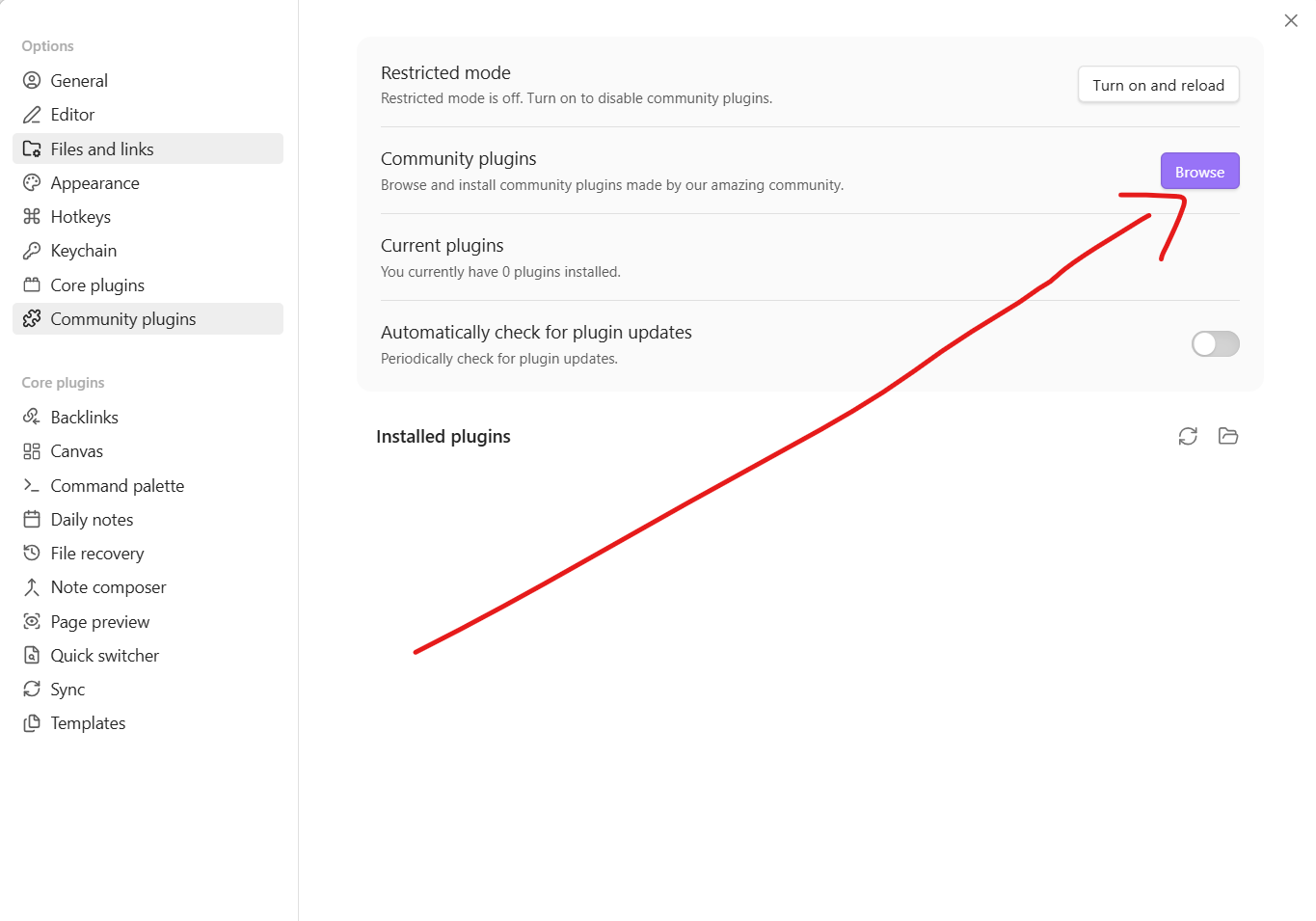
Step 4
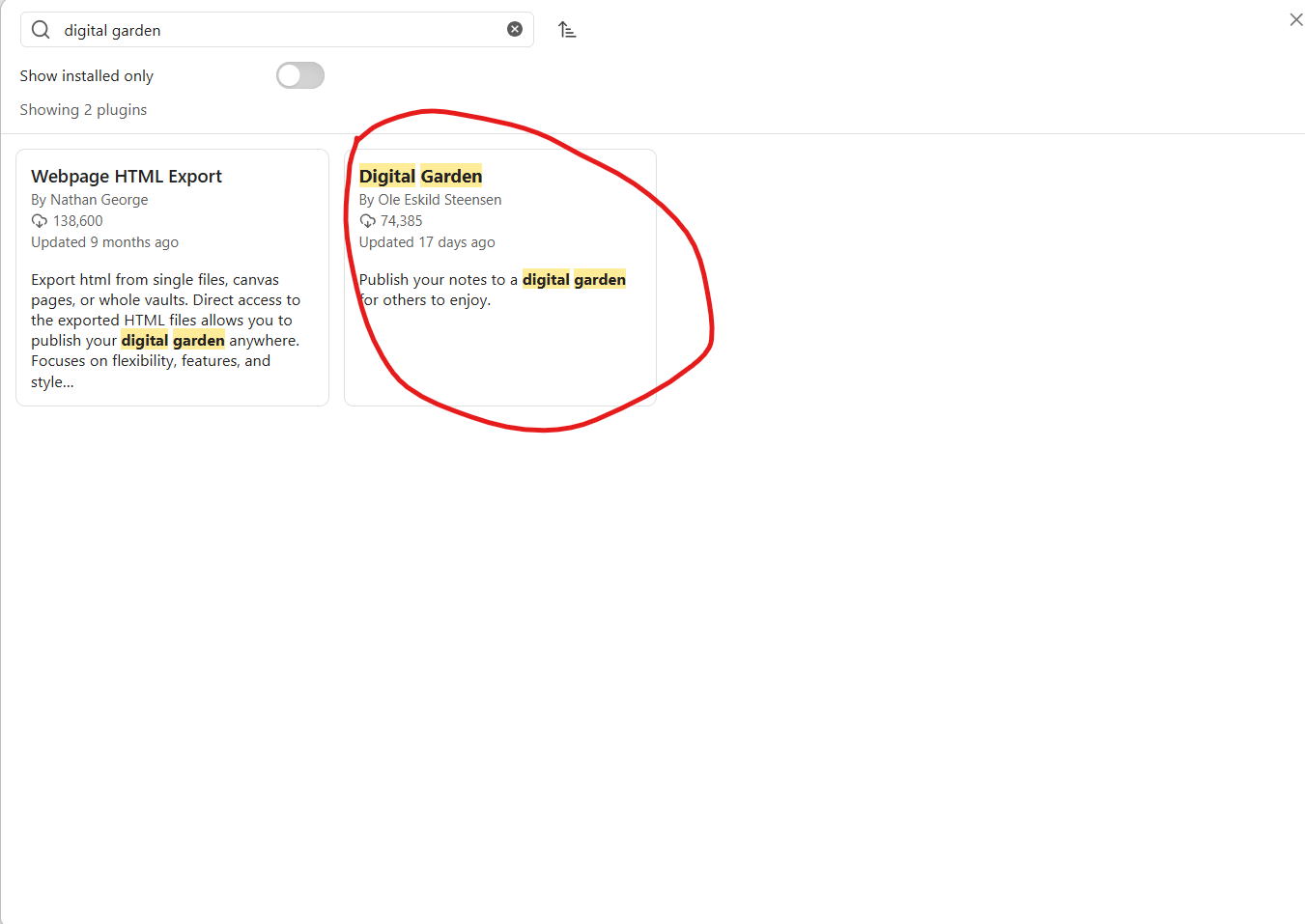
Step 5
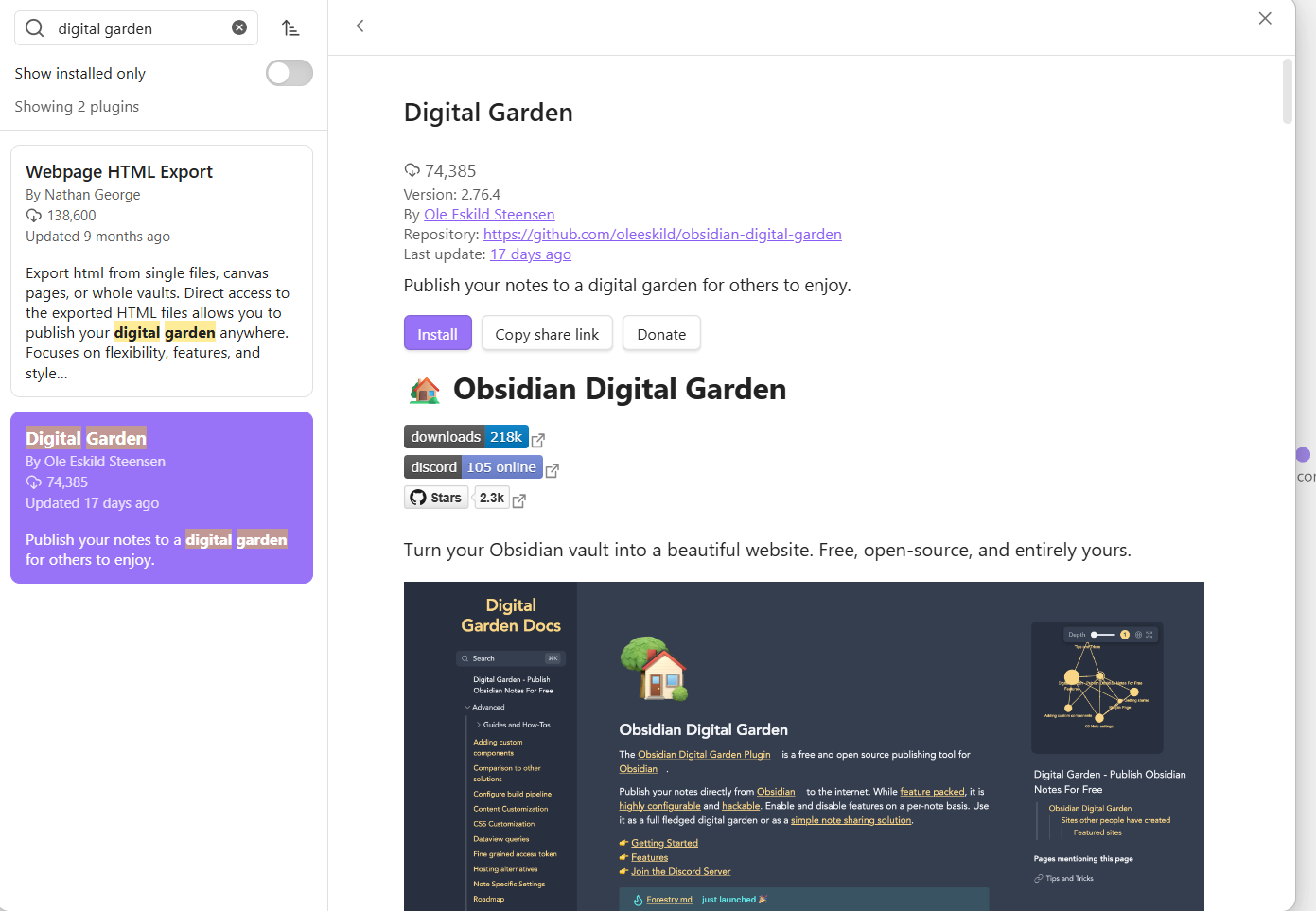
Step 6
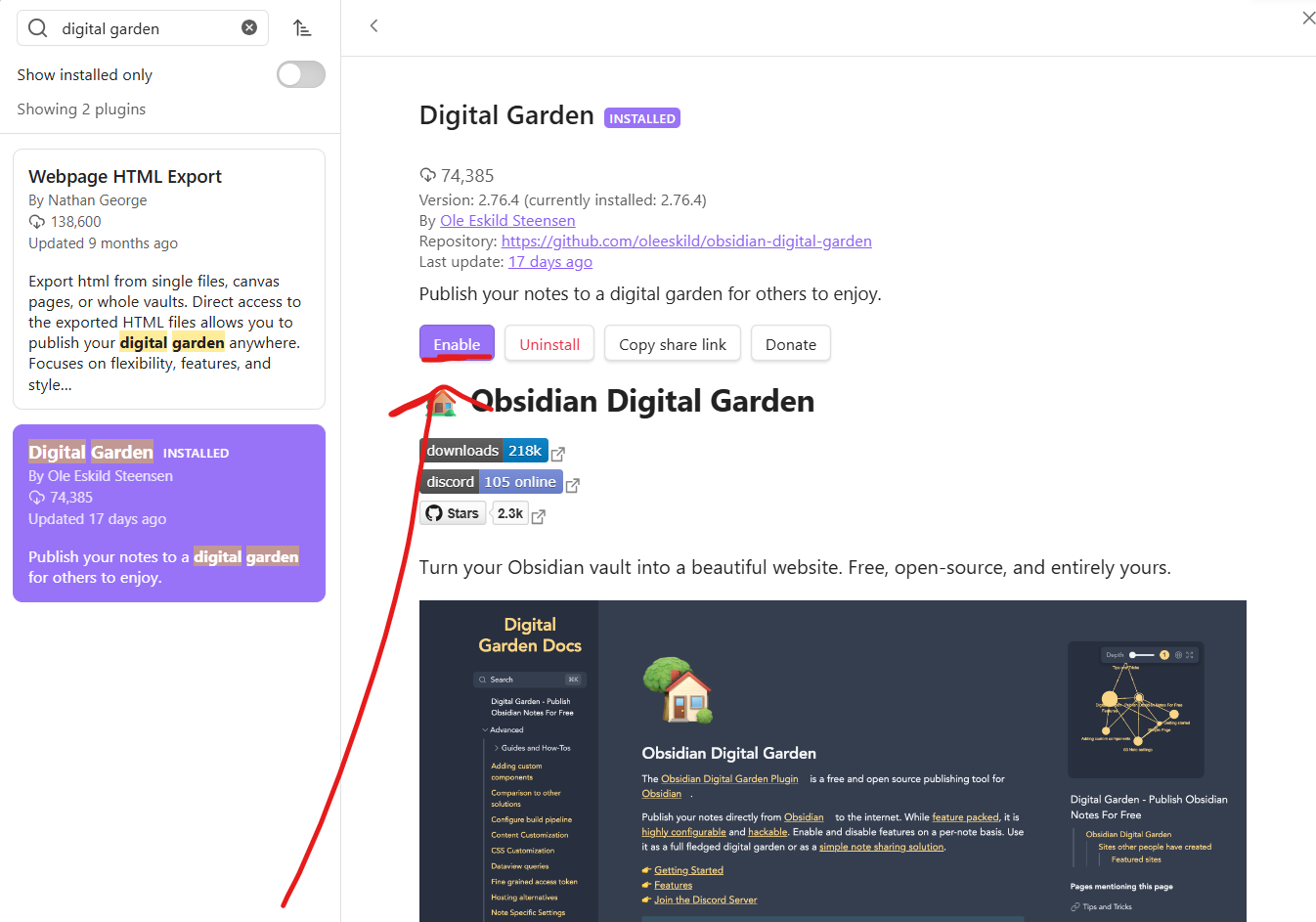
Step 7
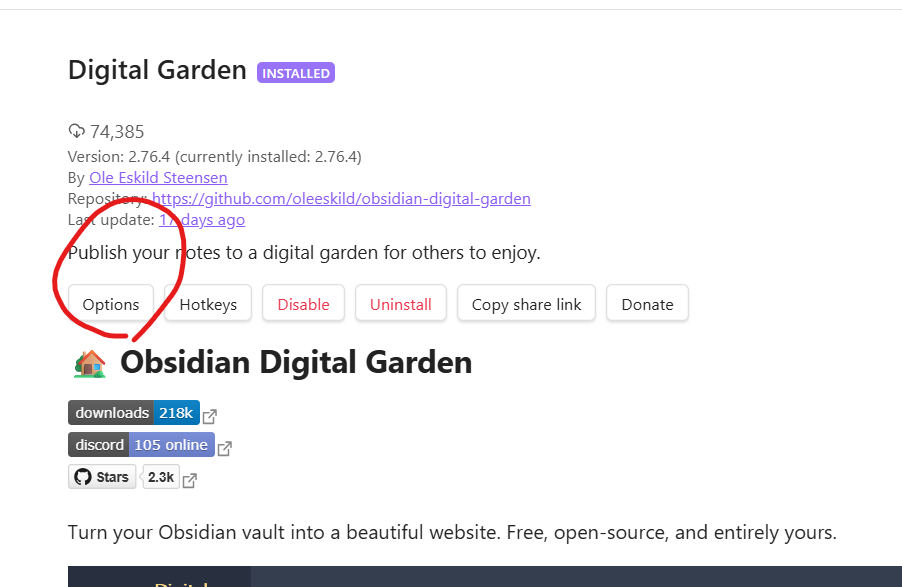
Step 8
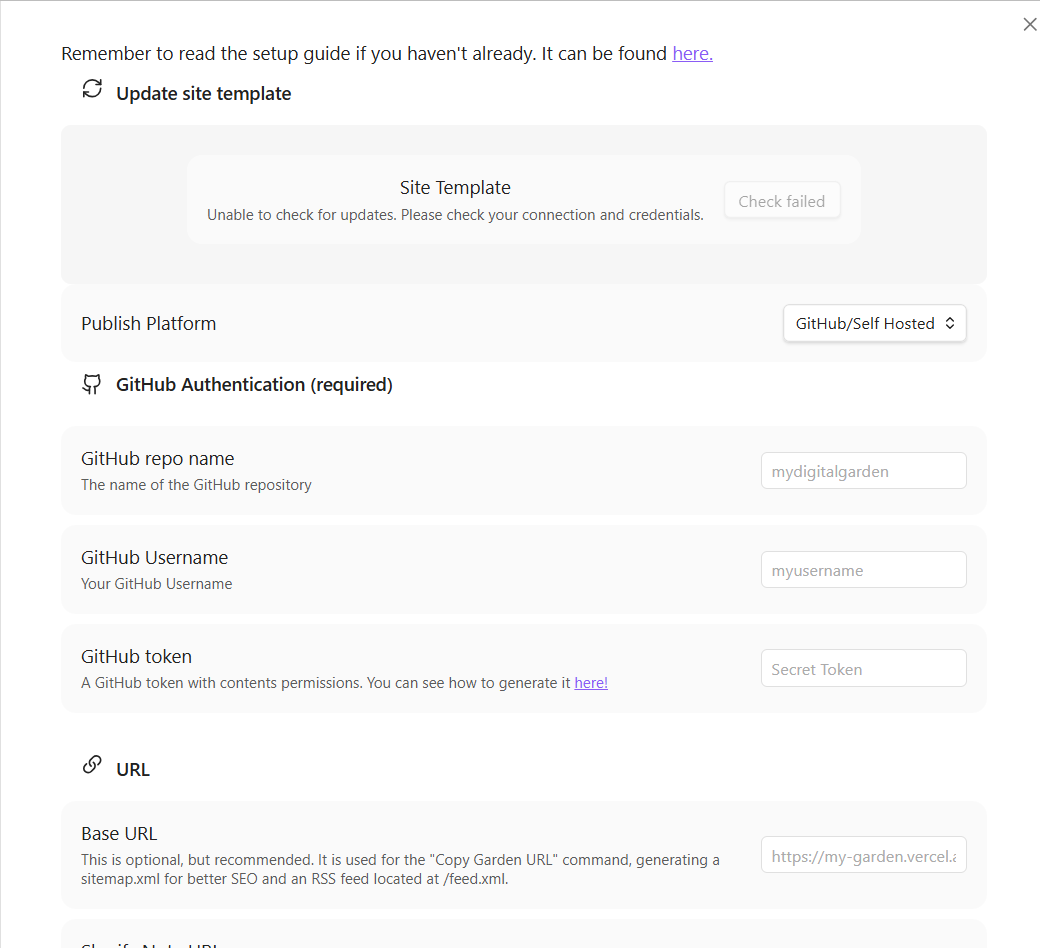
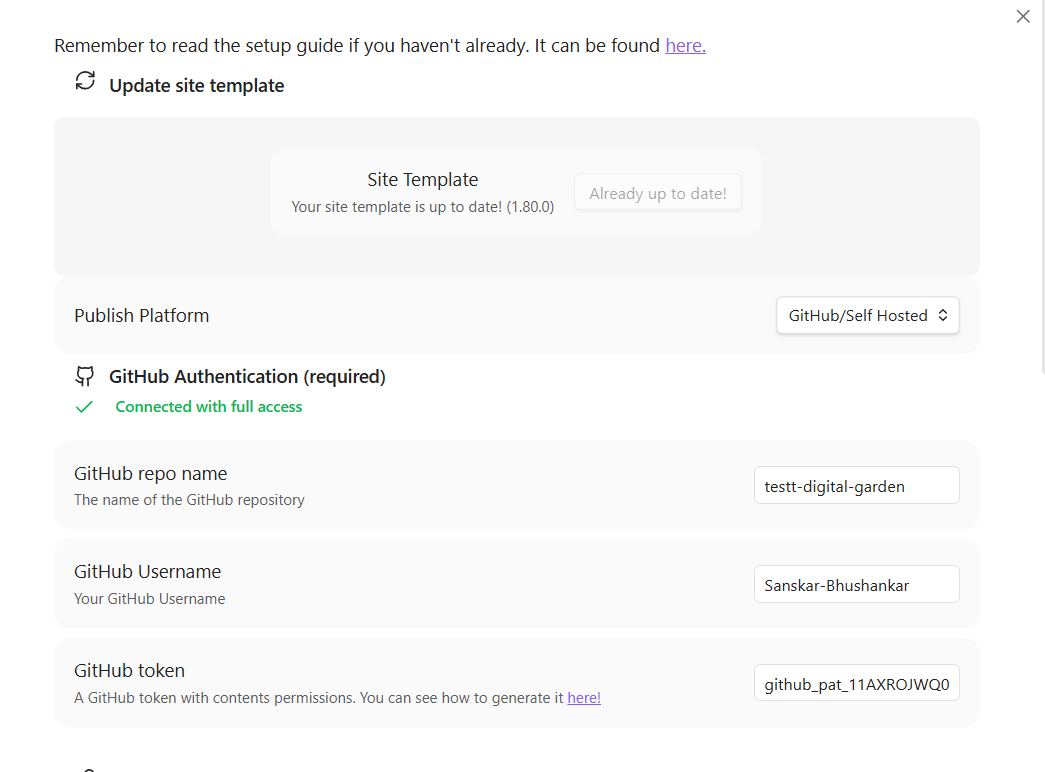
Now as u see we need three things in this digital garden option
we need to connect our obsidian to github via digital garden
so digital garden needs our
github username
github token
`github repo name
steps to get github repo and website
step 1
visit this url
https://github.com/oleeskild/digitalgarden
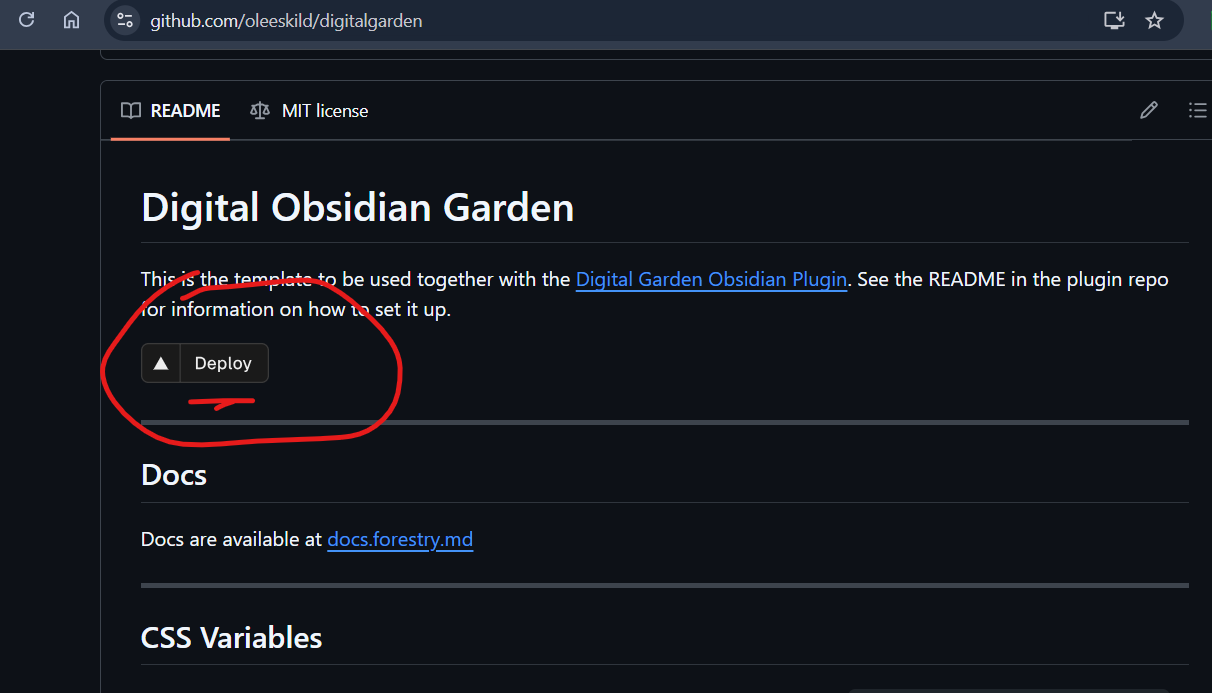
step 2
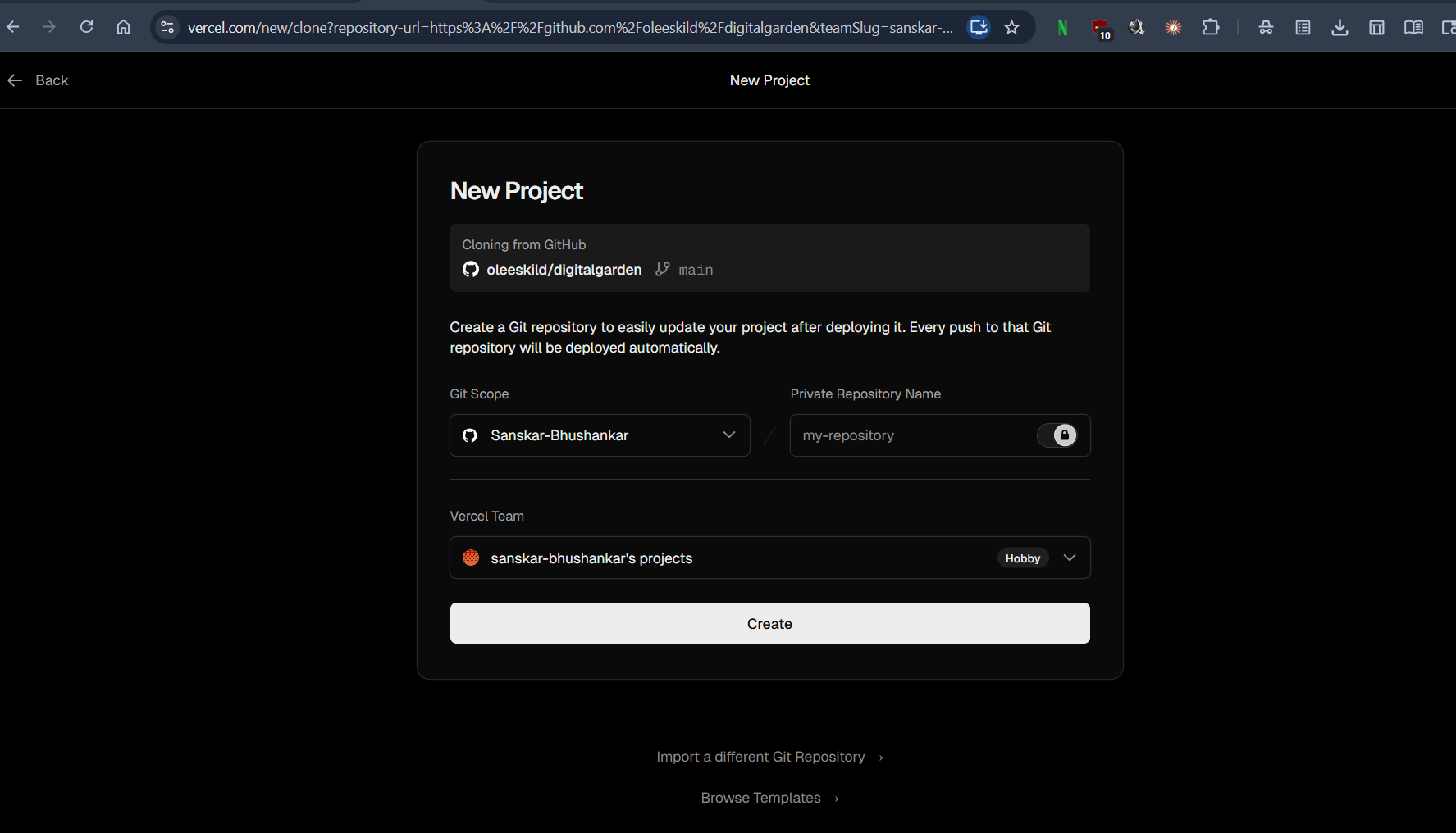
u must have 2 accounts , which we made in above steps
- github account
- vercel account signed with github
give any repository name in this section
i selected - testt-digital-garden
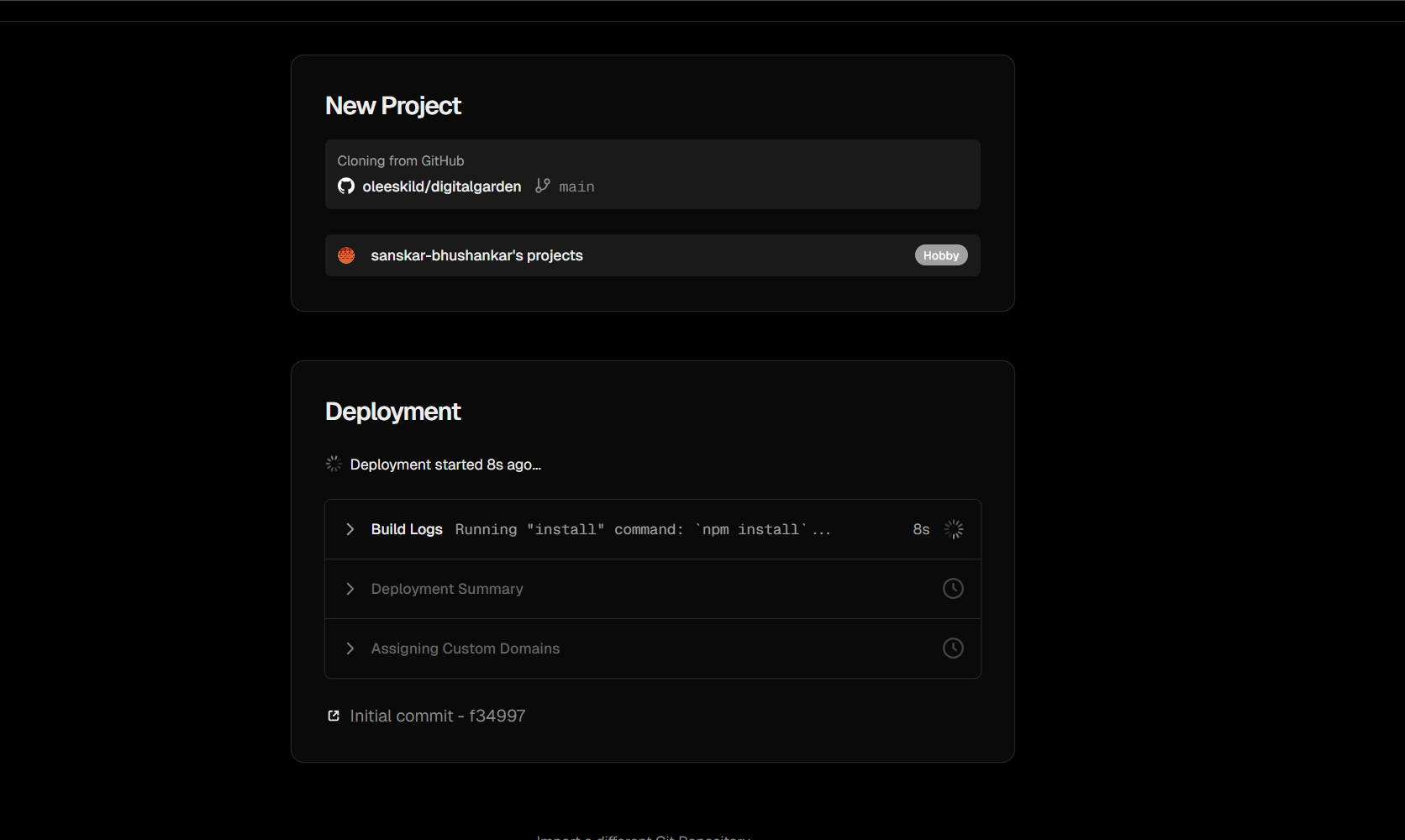
step 3
now we have our template website ready click on this box to see your website
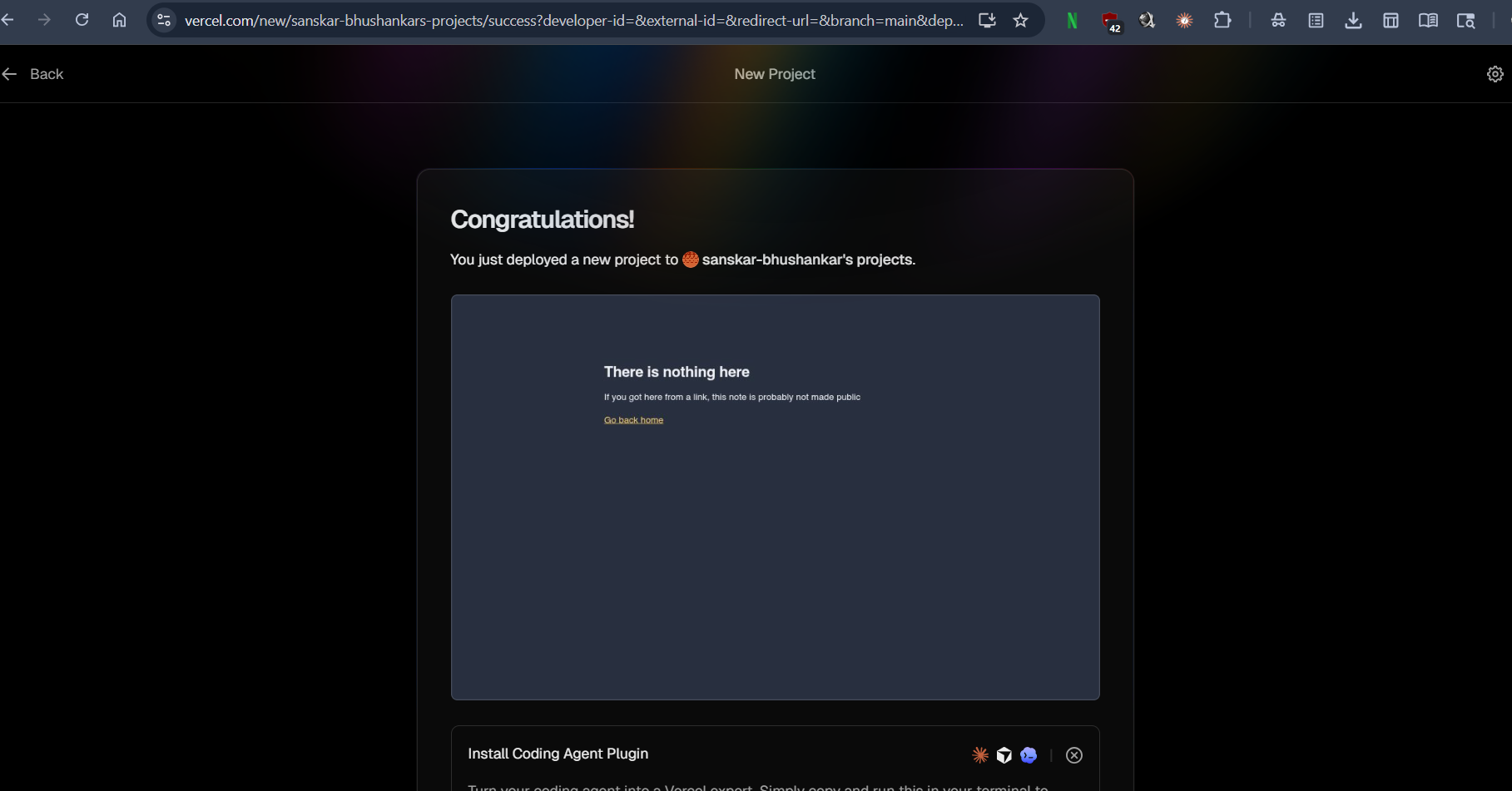
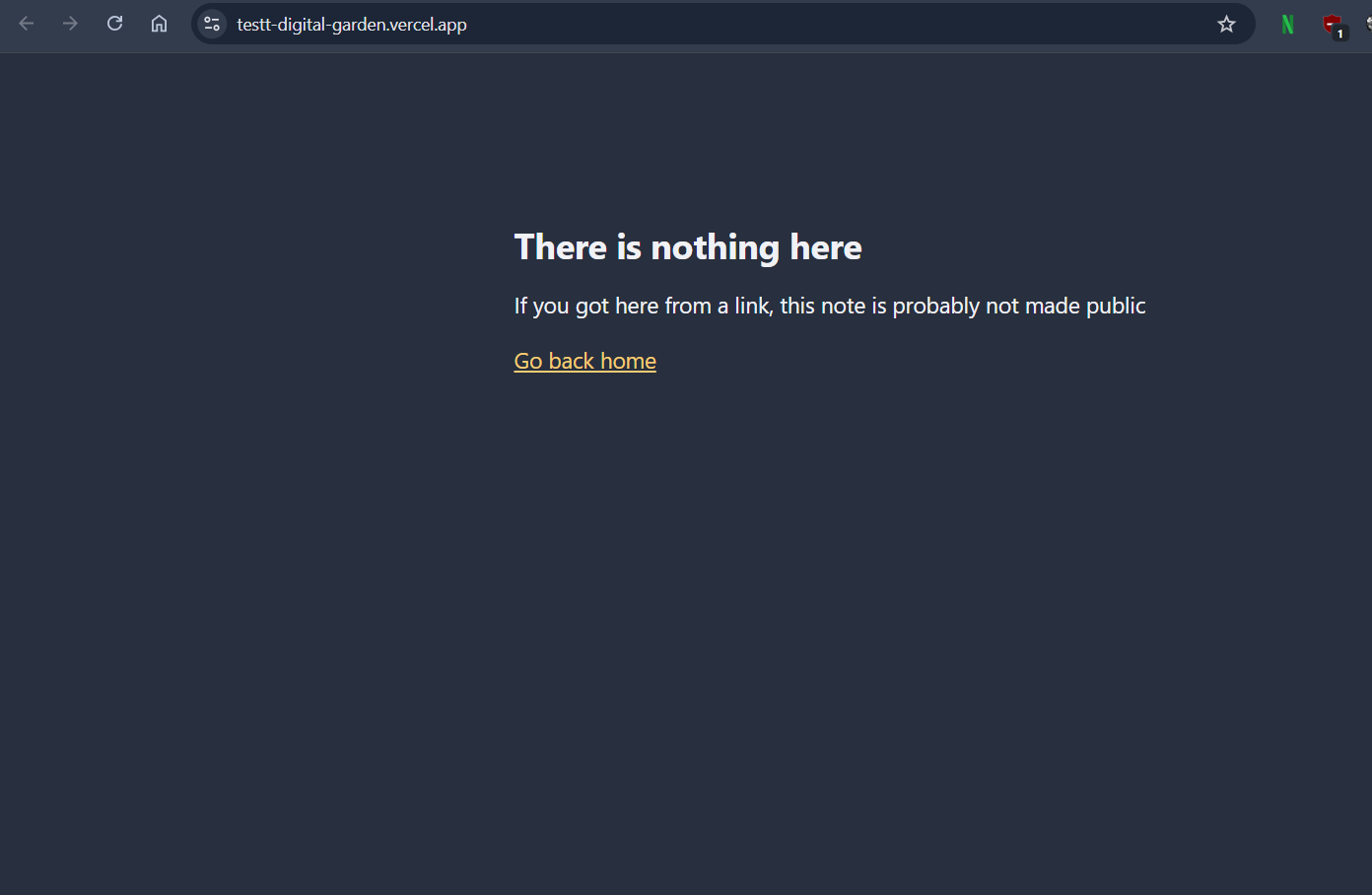
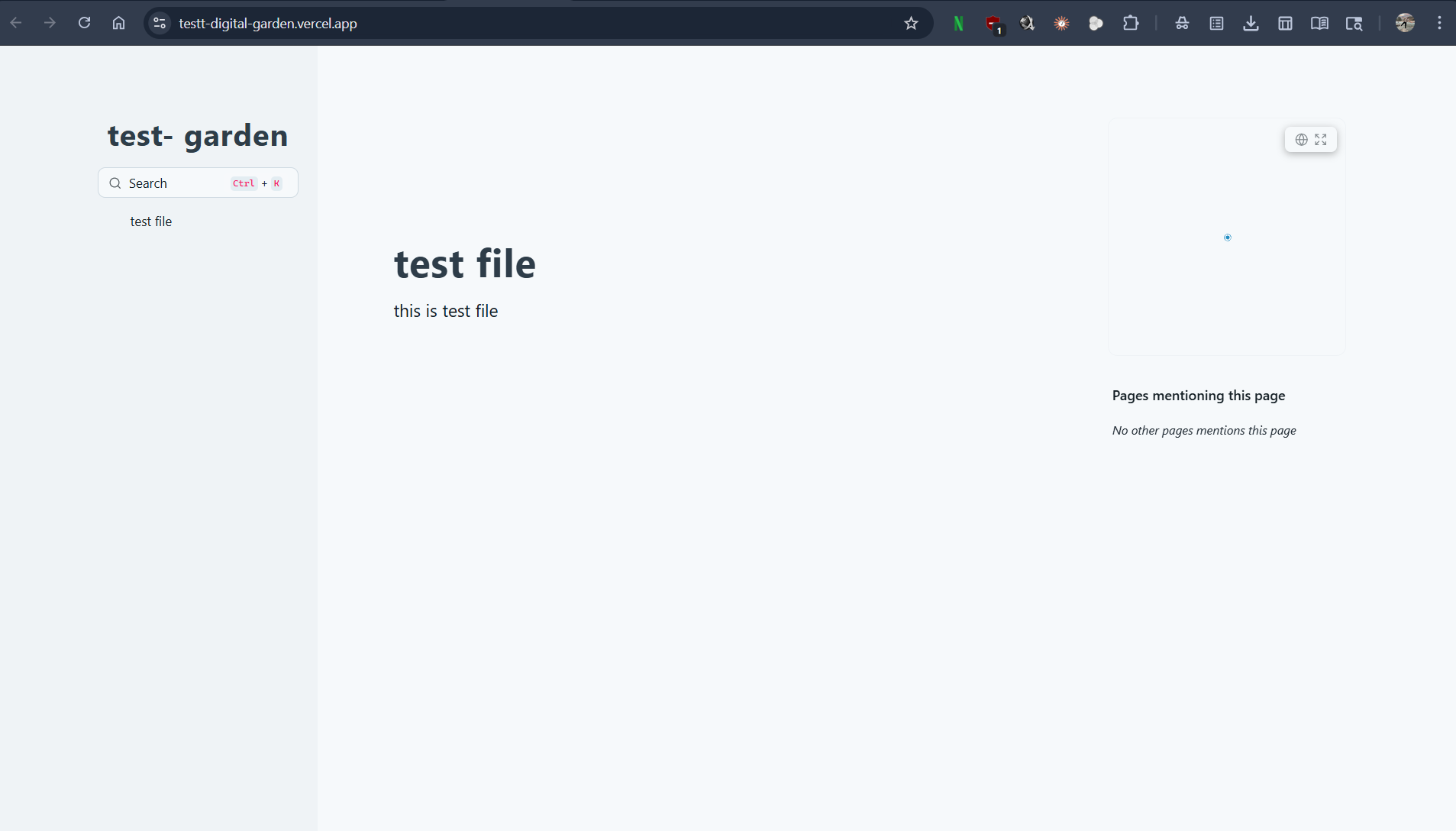
this is our website as of now we dont have any notes
In next steps we will push our notes and select themes from obsidain as we like
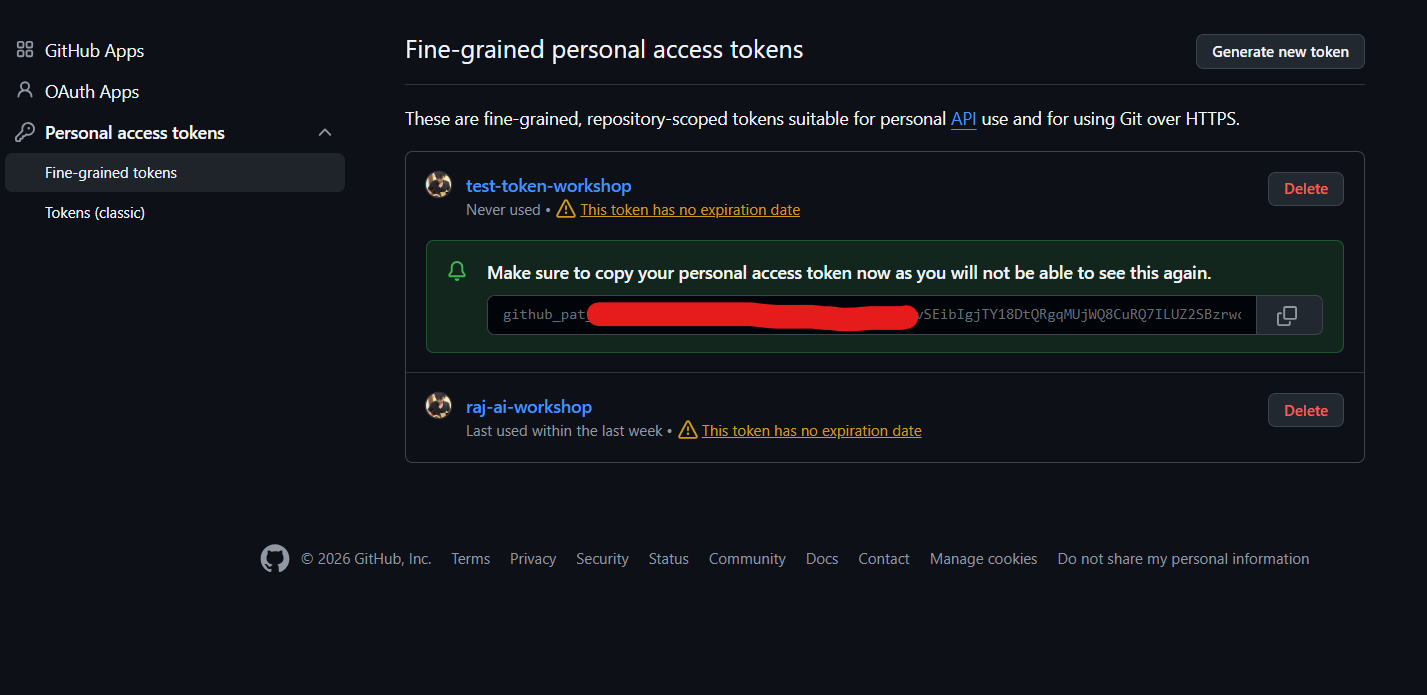
steps to get github token
step 1
now go to github
settings >> developer settings >> fined grain access token
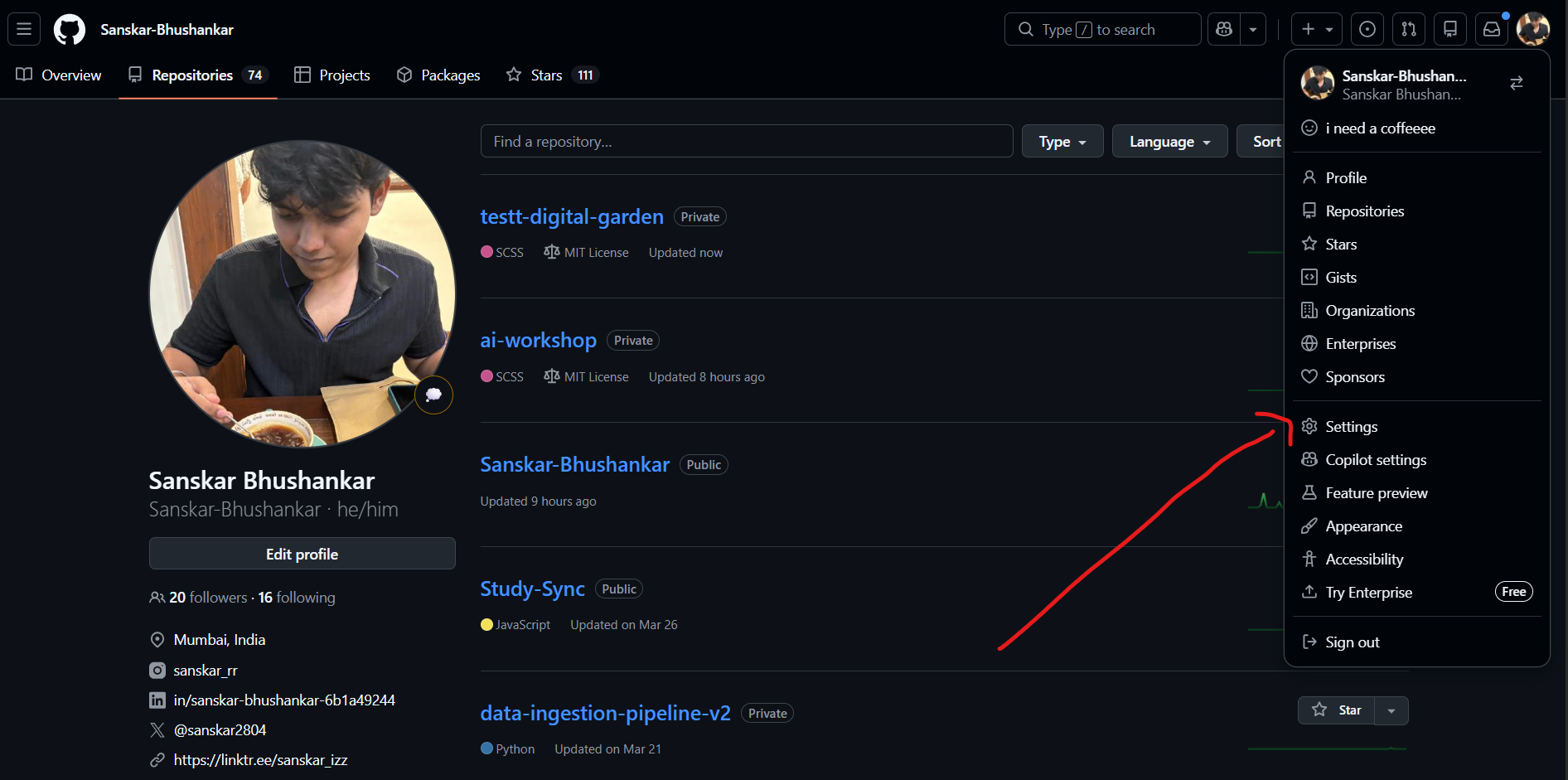
step 2
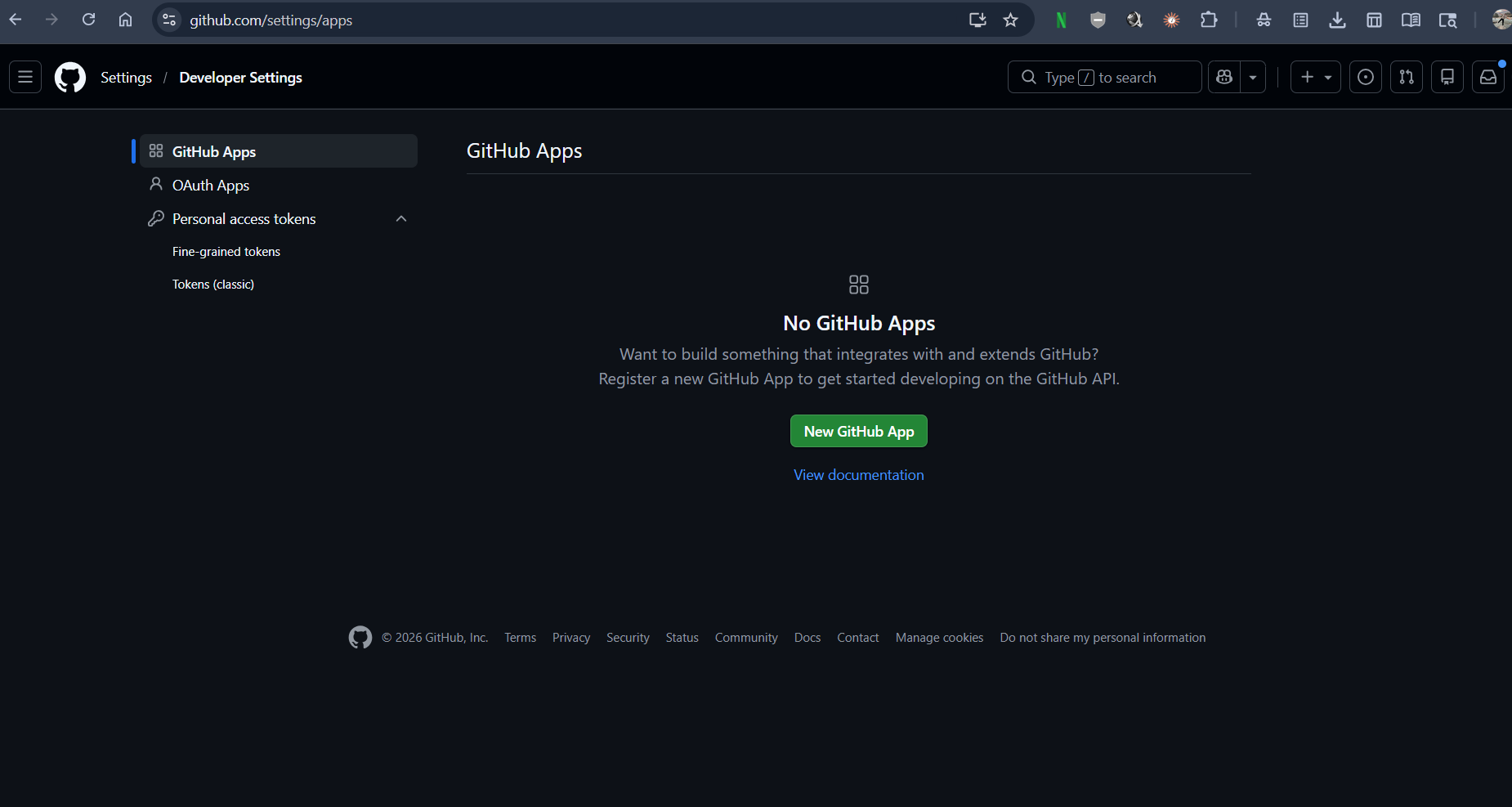
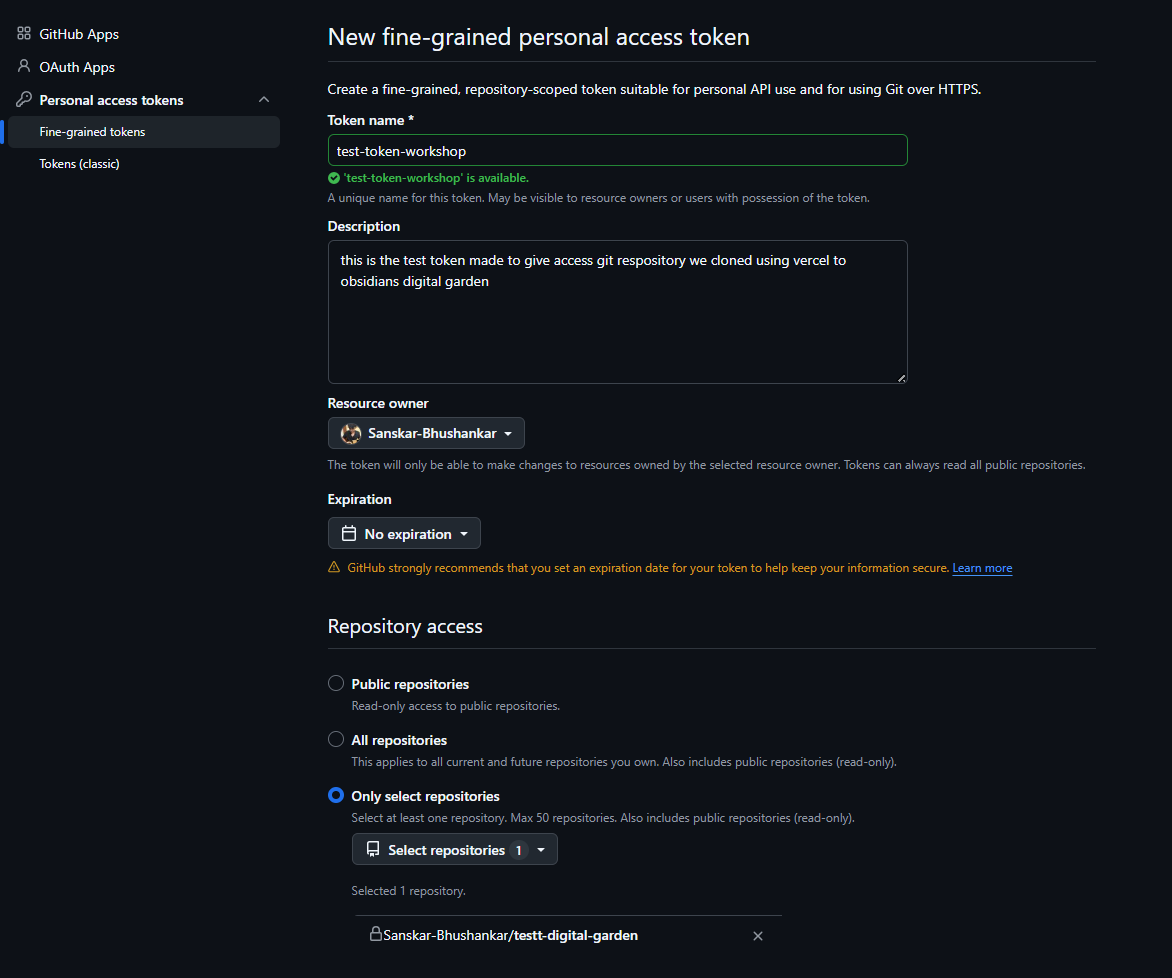
step 3
select this permissions to give to this key and share it with obisidain
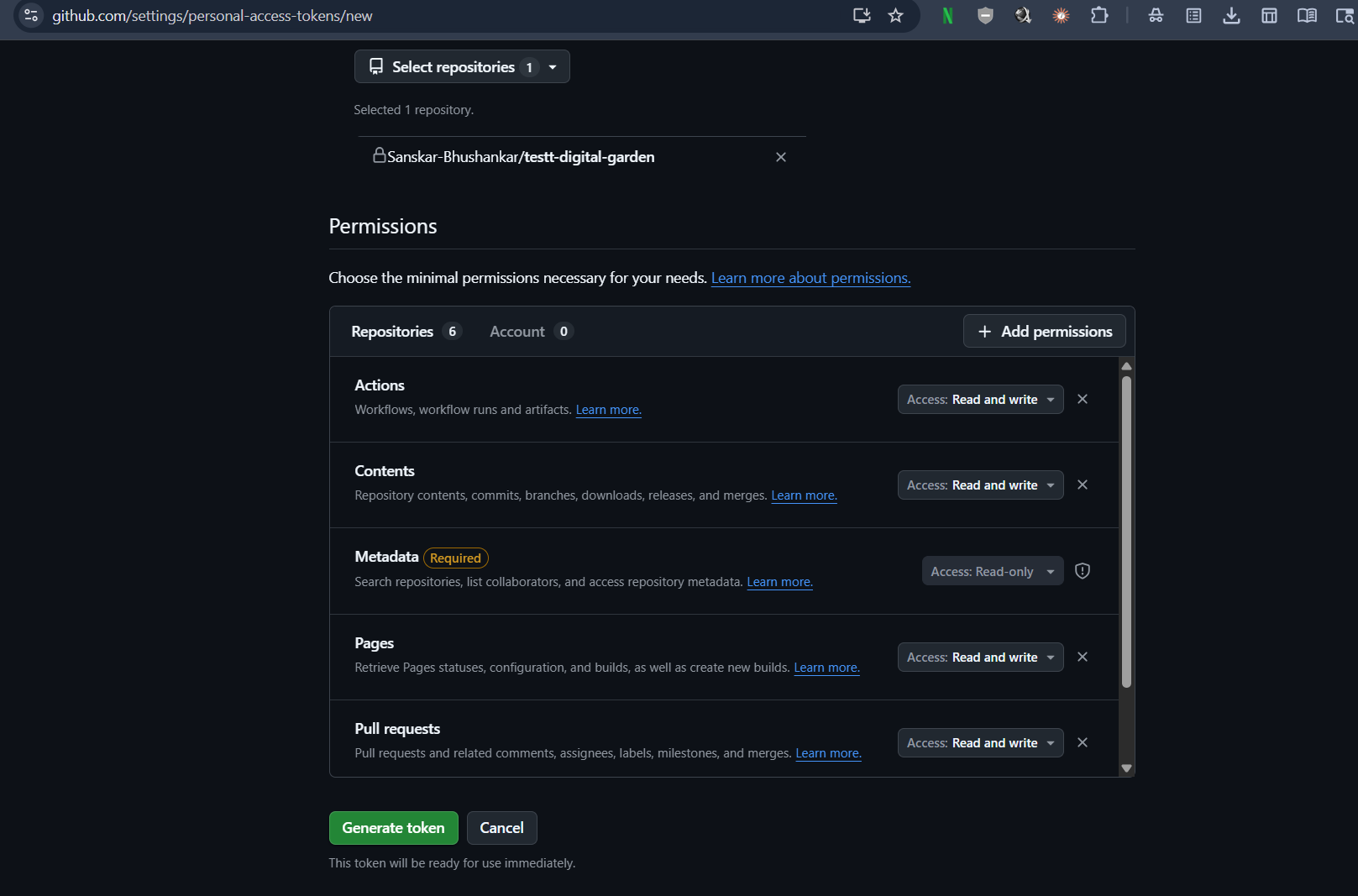
Final connection
this steps connect digital garden to github which allows obsidian to push notes to github
now the whole connection is complete where the obisdian is connected to github via digital garden and the github is connected to vercel
step 1
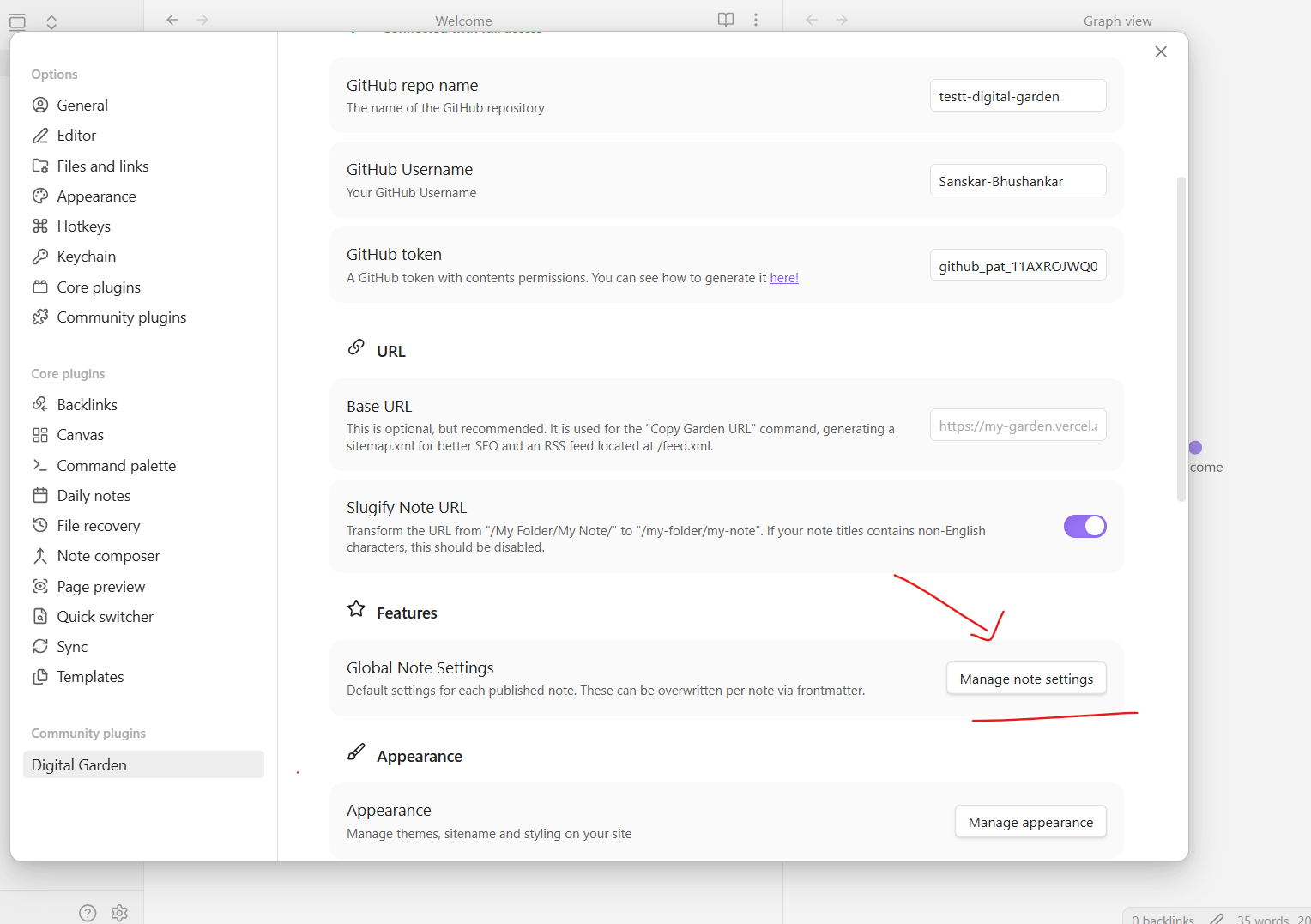
this global note setting allows us to show all the files notes in in sidebar of the website
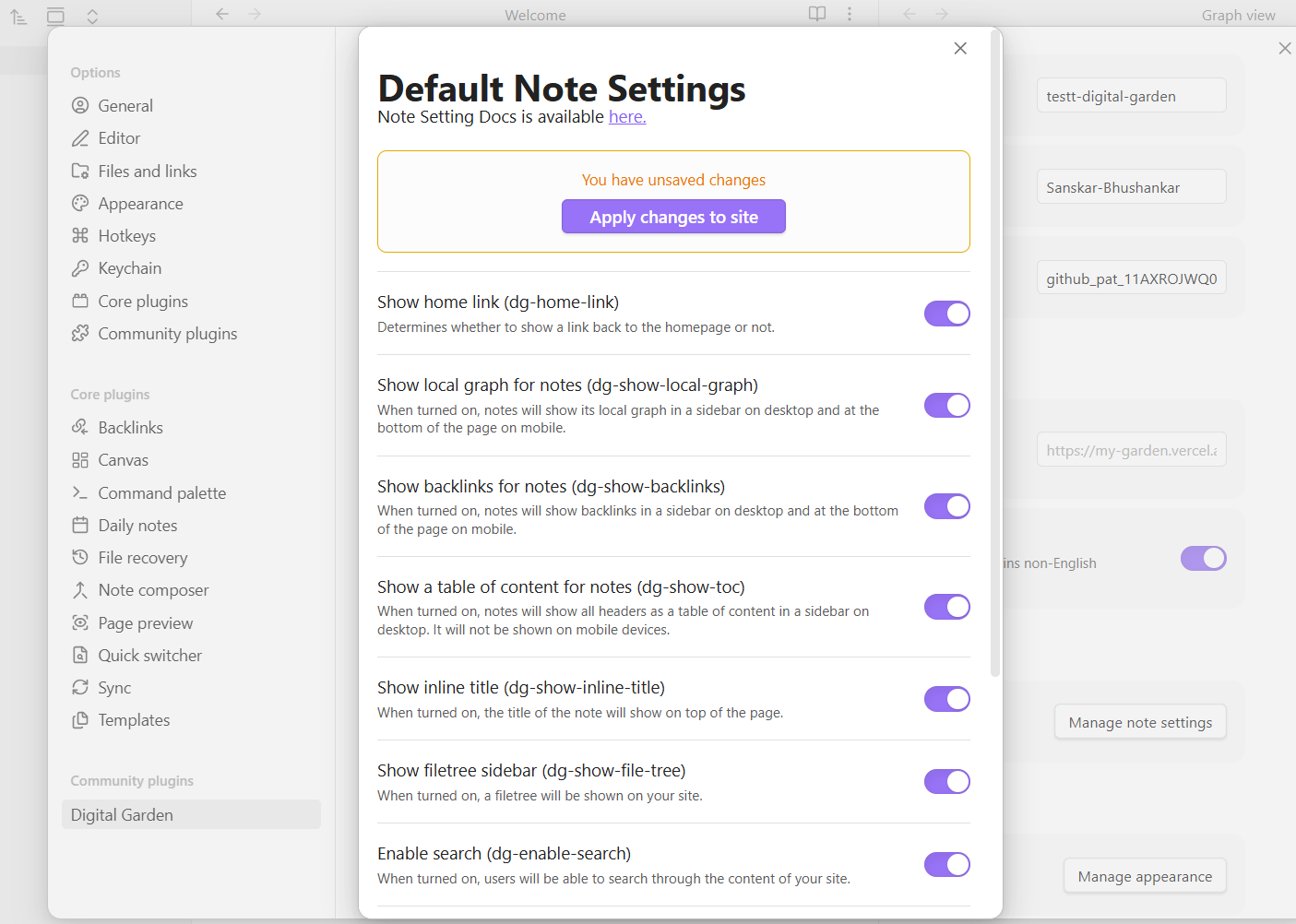
step 2
create a new file and at the top of new file put 3 - hypens which opens a metadata ui
where write dg-publish then on the icon of digipublish do right click and change Property-type to checkbox
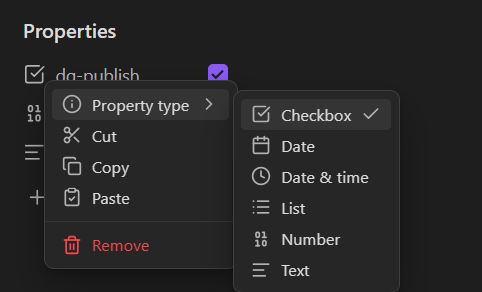
this is needed as it gives permission to push that file to website/github
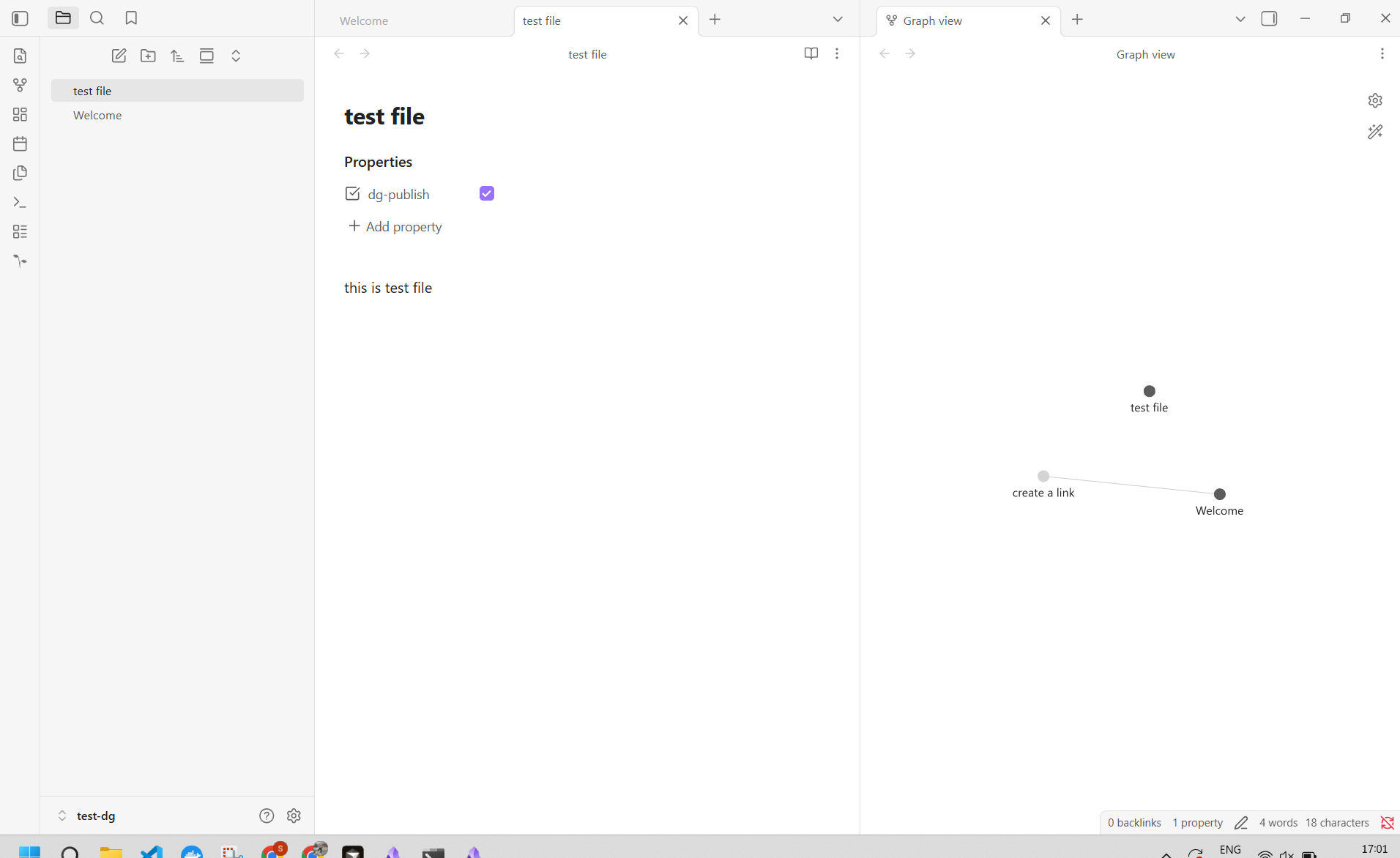
step 3
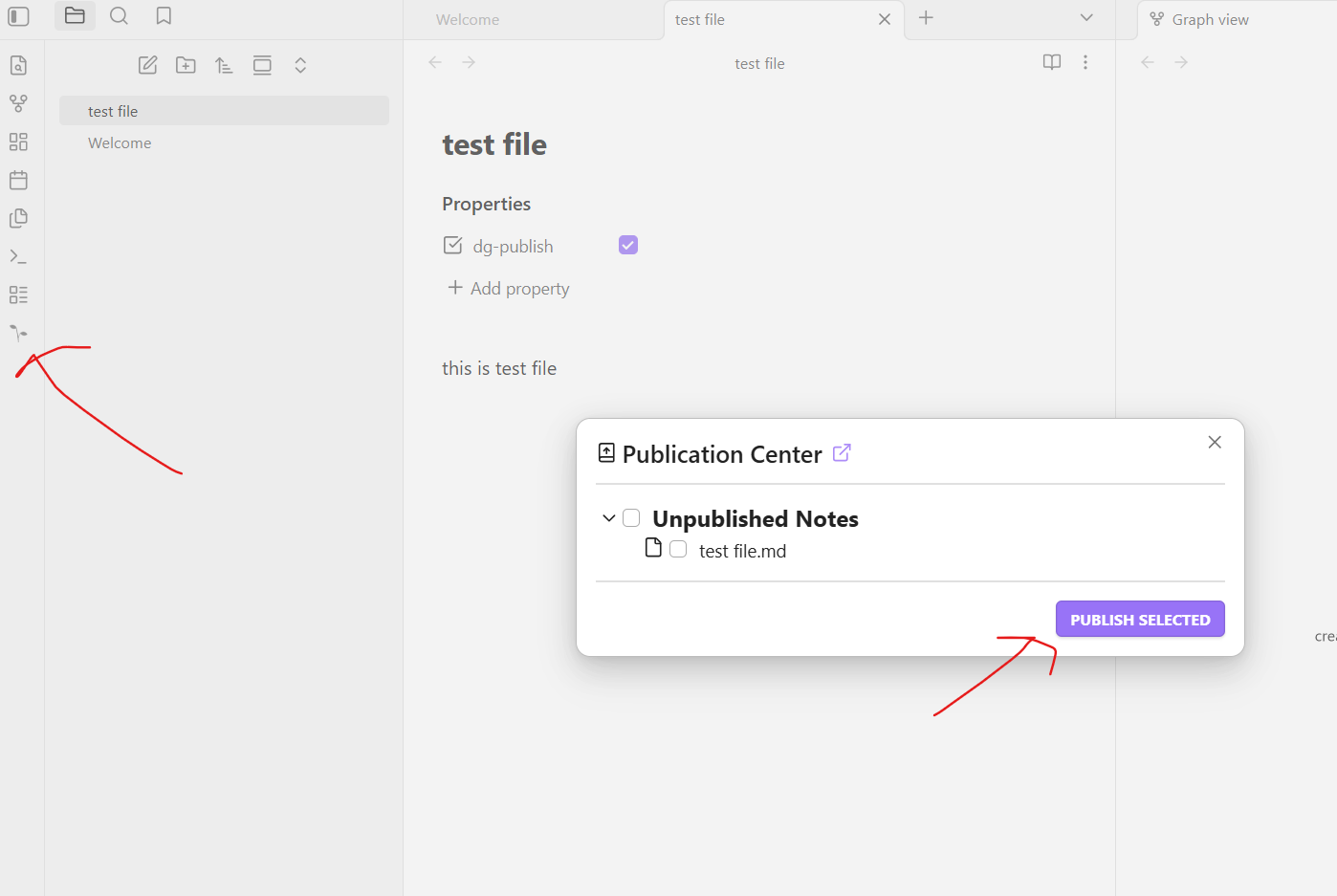
now click on the leaves button click on the checkbox and click on publish selected
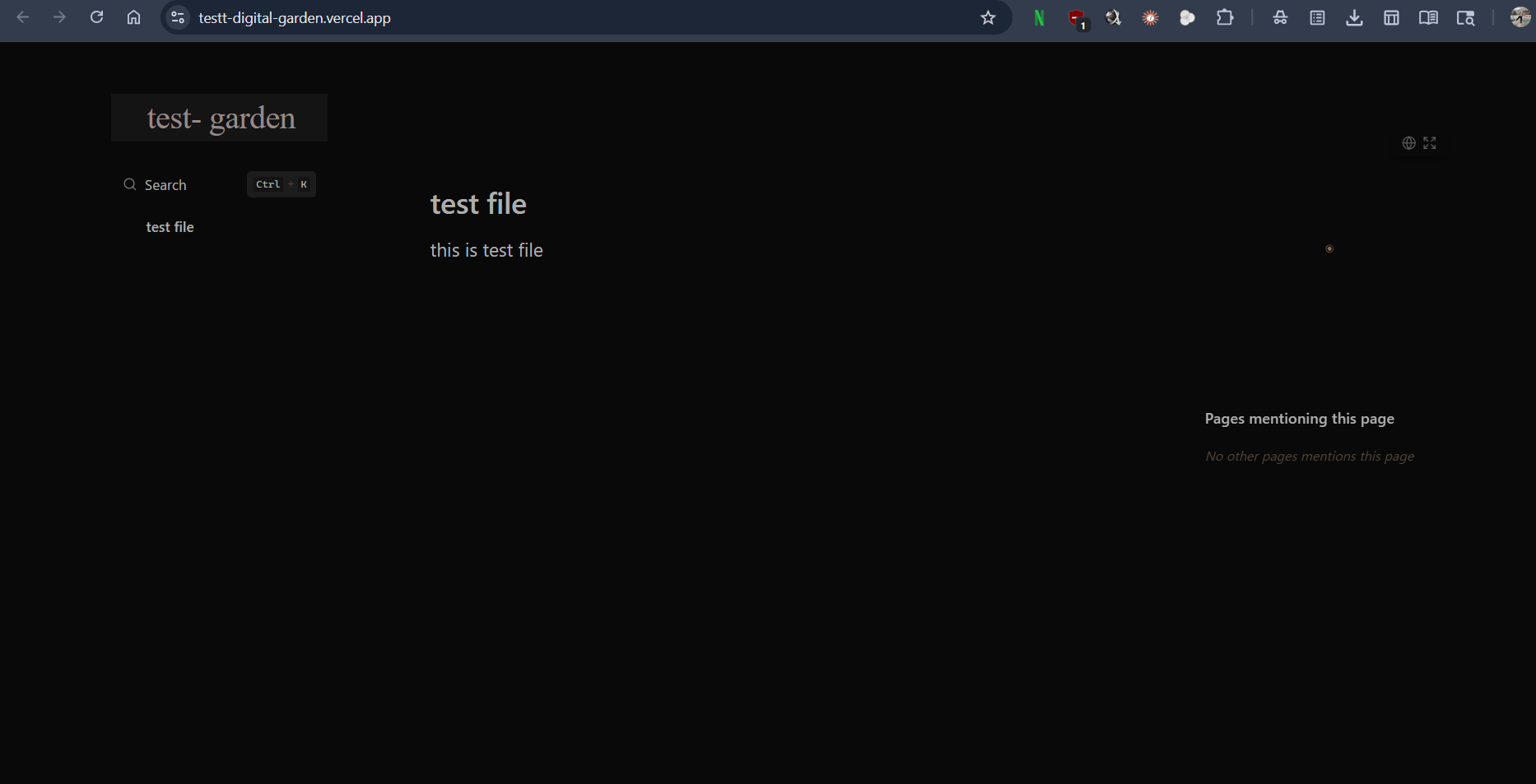
now the website looks like this
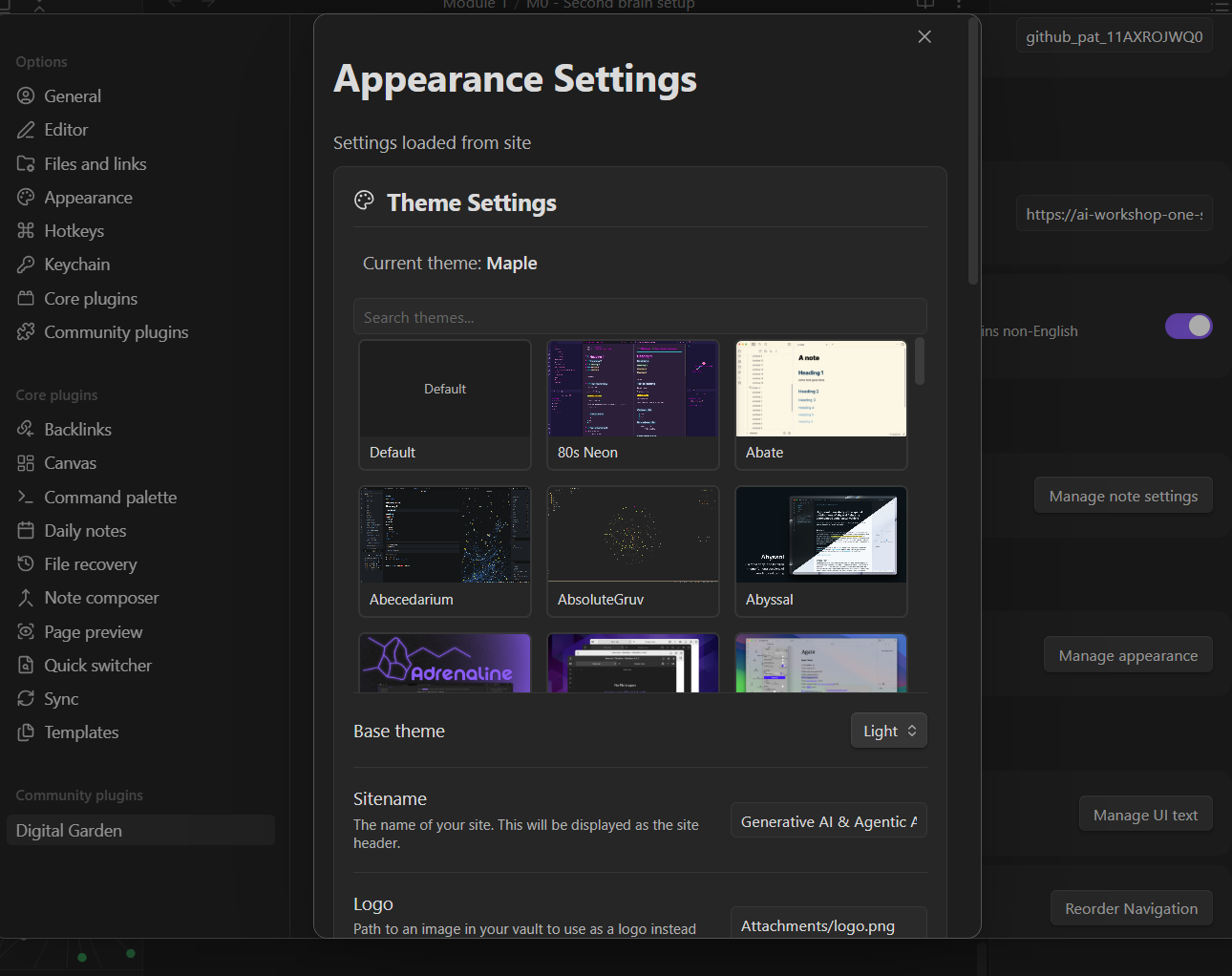
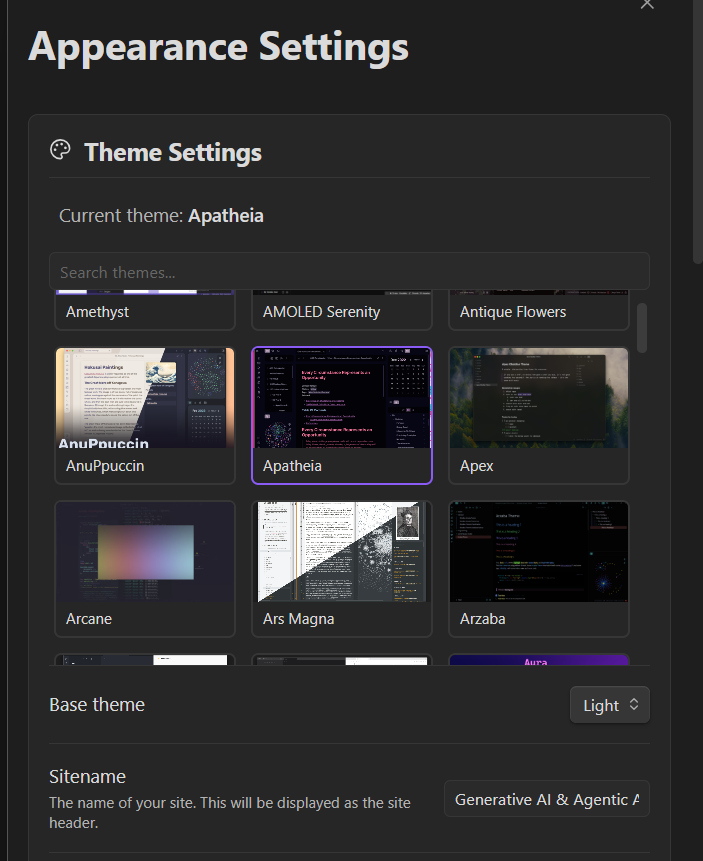
to change themes of the website go to settings > digital garden > Appearence
select any theme scroll down and click on apply to site